
Independent IPTV reviews & guides
Top-rated IPTV services, judged on the devices you actually use
We compare IPTV providers and player apps on stability, device support, programme guides and fair terms — and we show our working, so you can decide for yourself.
Every rating checks
- Stability at busy times
- Your exact devices
- Trial, refund & cancel terms
- Independent methodologyThe same published criteria for every service.
- Clearly disclosed affiliatesCommission never decides a rating.
- Regularly reviewedPages are re-checked when terms or apps change.
- Device-specific guidesSmart TV, Fire TV Stick, Android TV and mobile.
From the editorial desk
Latest reviews and guides
-
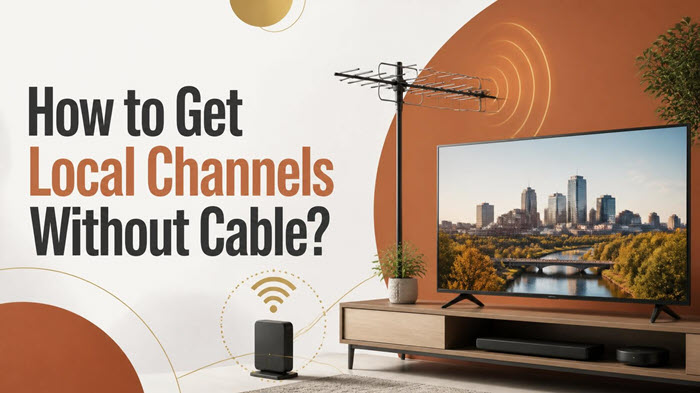
How to Get Local Channels Without Cable: Antenna and Streaming Routes
You can get local channels without cable by connecting a TV antenna or subscribing to a streaming service that carries your local…
-
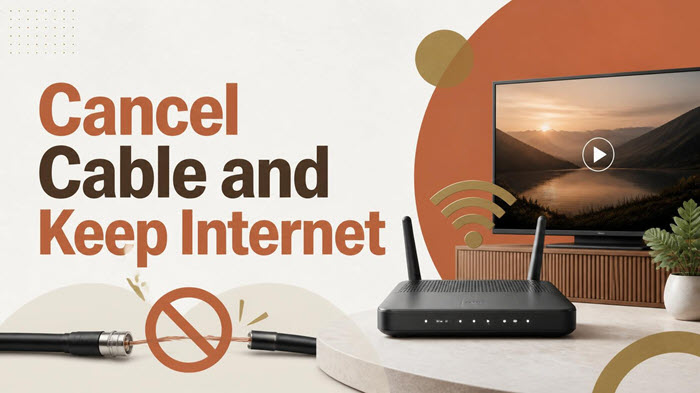
Cancel Cable and Keep Internet: Bundle Changes, Equipment, and Final Bills
You can usually cancel cable TV and keep internet service with the same provider. Request a TV-only cancellation, confirm the new internet…
-
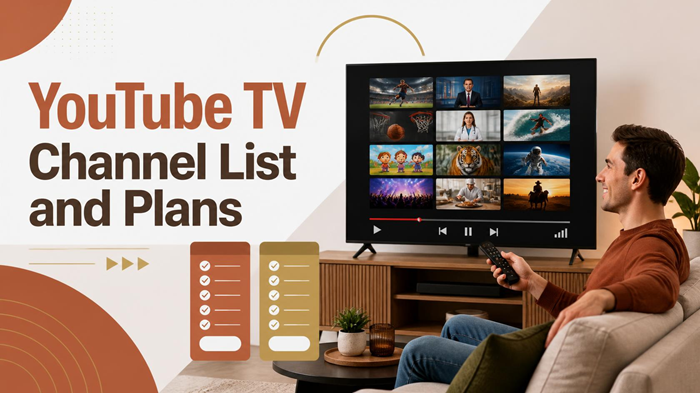
YouTube TV Channel List and Plans: What’s Included and What Costs Extra
YouTube TV’s main plan costs $82.99 per month and includes more than 100 channels across live sports, news, entertainment, and family programming.…
-
3 Best 4K IPTV Subscriptions 2026 (Tested, Compared & Reviewed)
Does your supposed 4K stream look soft, freeze during busy evenings, or fail to show the channels you bought it for? International…
-
Free Streaming Options: What They Cover and What You Still Need
Free streaming can cover movies, TV reruns, documentaries, news, and channels you can leave playing throughout the evening. It can reduce your…
-
How to Choose a Reliable IPTV Provider: 6 Checks Before You Buy
To choose a reliable IPTV provider, check its content authorization, confirm that it carries the channels you need, and evaluate playback on…
-
8 Best IPTV Service Providers 2026 (Compared & Reviewed)
Affiliate Disclosure: This article contains affiliate links, and we may receive a commission if you subscribe through them. The comparison is based…
-
How Much Internet Speed Do You Need for IPTV?
For one IPTV stream, 10–15 Mbps for Full HD (1080p) or 25–50 Mbps for 4K is a practical planning target. The speed…
-
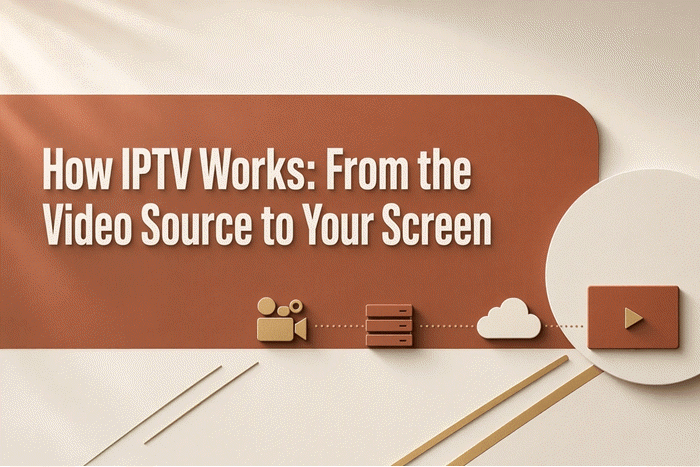
How IPTV Works: From the Video Source to Your Screen
IPTV works by delivering television through an Internet Protocol network. The provider prepares the video, sends it as digital data, and your…
The rating rubric
Five questions behind every recommendation
A long channel list is easy to advertise. These are the things that decide whether a service is still worth paying for after the first month — and they are applied the same way to every provider we cover.
- 01
Stability when it matters
Playback on several channels during normal and peak hours, including live events where possible.
- 02
Your devices, not just “all devices”
Setup on Smart TVs, Fire TV Stick, Android TV and phones — and whether a separate player is needed.
- 03
Guide, catch-up and usability
EPG accuracy, navigation and the everyday features that make a service easy to live with.
- 04
Terms you can trust
Trial and refund conditions, renewal rules, payment protection and how easily you can cancel.
- 05
Support, privacy and legitimacy
A real business behind the service, a clear privacy policy and support that answers.
Find your starting point
Browse by topic
Choosing a service, setting up a player or fixing a picture that keeps freezing — each topic collects the guides written for that job.
- IPTV ProvidersShortlists and comparisons of providers.
- IPTV ReviewsSingle-service reviews with test notes.
- IPTV GuidesSetup steps for every common device.
- TroubleshootFixes for buffering, errors and logins.
- IPTV PlayerPlayer apps, playlists and EPG settings.
- StreamingDevices, networks and better playback.
Why readers trust us
Recommendations with the reasoning left in
We test before we recommend
Services are set up on real Smart TVs, streaming sticks and phones, and we record the devices, app versions and dates we used.
See how we testWe tell you how we earn
Some links earn a commission. It is disclosed on the page and it never decides a rating or a place in a list.
Read the disclosureWe correct and update
Prices, apps and terms change. Pages show when they were last updated, and reader corrections are always welcome.
Our editorial policyWritten by
 Riley WhiteSetup & troubleshooting guides
 Henry AllenService reviews & provider comparisons
Stuck on setup, or the picture keeps freezing?
Start with our step-by-step fixes. If your problem is not covered, tell us the device and the error — it may become our next guide.