Free streaming can cover movies, TV reruns, documentaries, news, and channels you can leave playing throughout the evening. It can reduce your need for paid entertainment subscriptions, especially when you are flexible about what to watch.
The gaps appear when you want something specific: tonight’s game, your local station’s full schedule, a particular new release, or every episode of a series. Free streaming gives you a selection of content, not guaranteed access to everything you want. You also still need a compatible device and an internet connection.
What counts as free streaming?
Free streaming means you can watch the available content without paying a streaming subscription fee. Services fund that access in different ways, including advertising and library partnerships.
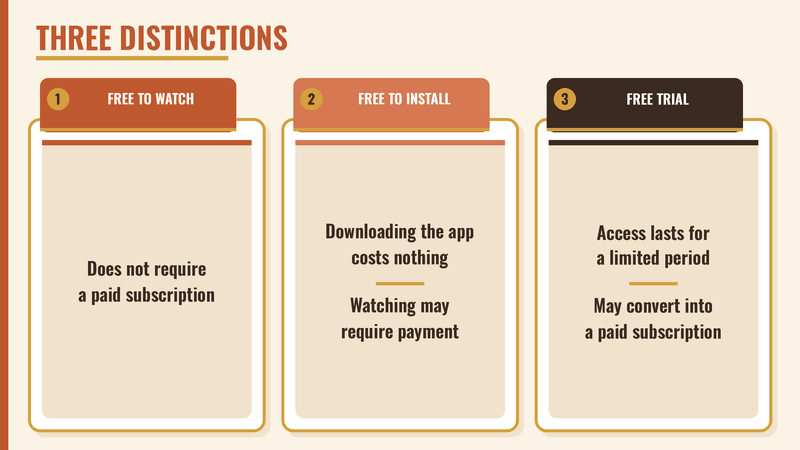
Three distinctions help you understand what an offer actually includes:
- Free to watch: The selected content does not require a paid subscription.
- Free to install: Downloading the app costs nothing, but watching some or all of its content may require payment.
- Free trial: Access lasts for a limited period and may convert into a paid subscription.
A free account is another separate requirement. Creating one does not necessarily mean you are subscribing to a paid plan.
What do the main free streaming options cover?
Free streaming options generally fall into on-demand libraries, scheduled streaming channels, official broadcaster offerings, and library services. Each solves a different viewing need, so combining complementary options can be more useful than collecting apps with similar catalogs.
| Option | What it can cover | What you still need to check |
|---|---|---|
| Free on-demand services | Movies and shows you can start when you choose | Exact titles, available seasons, ads, and regional access |
| Free scheduled channels | Continuous entertainment, news, themed programming, and selected sports coverage | Whether the channel carries the specific program or event you want |
| Official broadcaster apps | Selected episodes, catch-up programs, news, and sometimes live broadcasts | Viewing windows, location rules, and any subscription or authentication requirements |
| Library streaming services | Films, documentaries, educational programming, and selected TV content | Library participation, eligibility, borrowing limits, and viewing periods |
What do services such as Tubi, Pluto TV, and Plex offer?
These services illustrate different ways to watch without a monthly entertainment subscription.
Tubi offers movies and TV shows with advertising. Its app is free to install, and its content is free to watch. Ad breaks support the service.
Pluto TV combines scheduled streaming channels with an on-demand catalog. You can browse what is playing now or choose an available title to start yourself.
Plex provides free, ad-supported movies, shows, and streaming channels. Its free channel selection generally does not include the premium channels or local broadcast affiliates you might expect from a cable package, and content varies by location.
These are examples, rather than a universal lineup. Check availability in your country and on your device before planning around an app.
What can you watch through your library?
A participating library can provide streaming access without a separate entertainment subscription. You need an eligible library account, and your library determines which services and content it offers.
Kanopy uses monthly tickets for public-library viewing, with ticket requirements and access periods shown for each title. Hoopla also offers movies and TV shows through participating libraries, with borrowing limits set by the library. Neither should be treated as an unlimited catalog available to every library cardholder.
What does free streaming usually leave out?
The main gaps involve exact-title availability, comprehensive sports coverage, local channels, and playback features. A large catalog or channel count does not tell you whether a service meets those needs. Check the programs you actually watch before deciding that free streaming can replace an existing subscription.
Can you watch every live sporting event for free?
Some events are available through free, authorized broadcasts or streams. That does not mean a free sports channel carries an entire league, your team’s complete season, or a particular tournament.
A sports channel may show highlights, interviews, replays, or selected live events. Its name alone does not establish what it will broadcast.
Before a game, confirm the exact event, the authorized broadcaster in your country, and whether access requires payment or authentication. A free stream for one event does not establish access to the next.
Do free streaming channels replace local TV?
A streaming news channel may provide useful coverage without carrying your local station’s complete broadcast schedule. Local newscasts, network programs, and regional sports can have separate access arrangements.
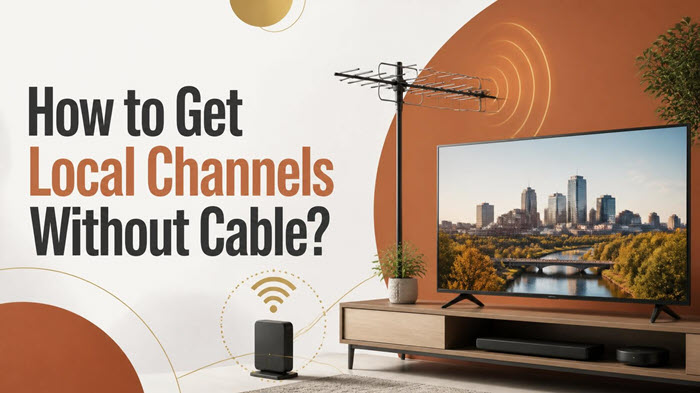
An antenna can complement streaming where suitable over-the-air broadcasts are available. Reception depends on your location, antenna, placement, and surrounding conditions. In the United States, reception maps can help you assess likely coverage, but their predictions are not a guarantee for an indoor setup.
An antenna receives broadcast television rather than internet streams. It requires compatible receiving equipment and may involve an upfront purchase.
Will every season or new release be available?
Finding a show does not guarantee that every season or episode is included. A service might carry selected seasons, offer episodes only during a viewing window, or remove a title when its availability changes.
Check the season and episode list before starting a series. For a particular movie, confirm that the listing is playable for free rather than a rental, purchase, or link to another subscription service.
Can you record channels or download videos?
Recording and offline viewing are separate features that need checking. A channel guide does not automatically include a digital video recorder, and an on-demand library does not automatically allow downloads.
For example, Tubi requires an active internet connection and does not currently support downloading its videos for offline viewing.
If you watch while traveling, check download support and expiration rules before relying on an app.
What equipment and internet access do you still need?
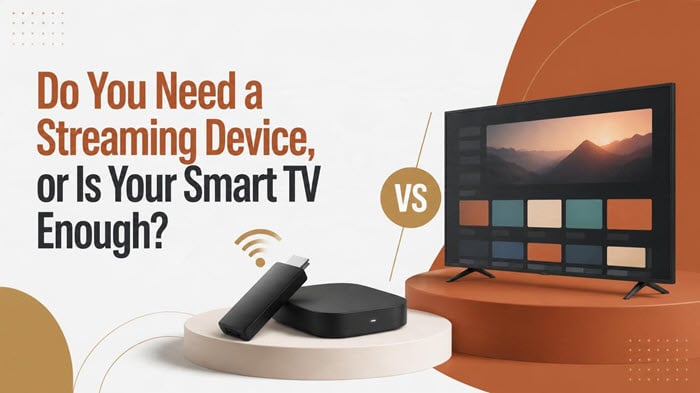
You need a supported screen or device, a suitable app or browser, and a stable internet connection. A smart TV may already provide everything required. An older television may need a streaming device, while a phone, tablet, or computer may let you start without buying additional hardware.
Check these practical requirements:
- Device compatibility: Confirm support for your exact television or streaming device.
- App availability: Check that the app is available in your country’s app store.
- Connection stability: Weak Wi-Fi can interrupt playback even when your internet plan is fast.
- Household demand: Several simultaneous streams place more demand on the connection.
- Data allowance: Video streaming uses data, which matters on capped broadband and mobile plans.
- Accessibility: Check captions, audio description, and navigation features for the content you want.
There is no single internet speed requirement that fits every app, resolution, and household. Use the service’s guidance and assess playback on the device you intend to use.
A new streaming device can improve compatibility. It cannot add a missing title or grant access to a paid channel.
How can you cover the gaps without overspending?
Start with your must-watch content, then decide whether anything needs paid access. This makes it easier to identify a real gap instead of subscribing because a package advertises a large catalog.
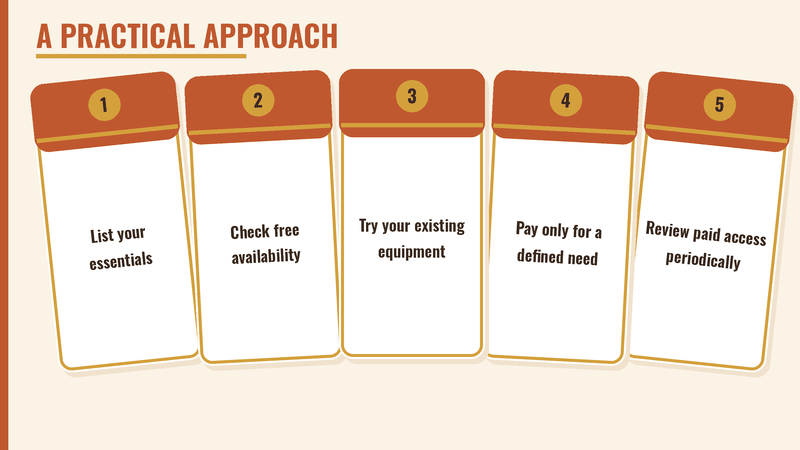
A practical approach is:
- List your essentials. Include the shows, local programs, and sporting events you would miss.
- Check free availability. Look for the exact title, season, broadcast, or event in authorized services available to you.
- Try your existing equipment. Confirm that the apps work comfortably before buying a streaming device.
- Pay only for a defined need. Consider whether one rental, a seasonal subscription, or a local broadcast setup would cover the gap.
- Review paid access periodically. Keep it when it still serves a viewing need, and check cancellation terms before ending it.
For Example, a household that mainly watches movies and reruns may find free on-demand services sufficient. Someone who follows a team throughout the season needs to establish where those games are available before choosing a subscription.
The useful comparison is coverage of your viewing habits, rather than the number of apps or channels.
How should you assess an unfamiliar “free TV” offer?
Check what the offer actually provides: watchable content, an app, a limited trial, or a promotion tied to another purchase. Read the payment conditions before entering card details.
Prefer recognizable services and official broadcaster offerings. A claim that an app includes every premium channel or new movie for free deserves verification. An app-store listing alone does not establish the rights to all content offered through an app.
Frequently asked questions
Is free streaming the same as a free trial?
No. A free streaming service offers eligible content without a streaming subscription fee. A free trial provides temporary access to a paid service and may require cancellation to prevent a charge.
Can free streaming replace cable?
It can replace enough programming for some households. Whether it works for you depends on access to your must-watch shows, local broadcasts, sports, and required playback features.
Does “live TV” mean the program is happening live?
Not necessarily. A scheduled streaming channel plays programming continuously, but that programming may include prerecorded shows, reruns, or replays. Check the schedule to establish whether a particular event is being broadcast live.
Do you need to buy a streaming device?
Only if your existing equipment cannot access the services you want. A supported smart TV, computer, phone, or tablet may already be sufficient.
When is free streaming enough?
Free streaming is enough when its available content matches your viewing habits and you are comfortable with its access rules and advertising. Start with the equipment you own, confirm your must-watch content, and add paid access only when it solves a specific gap.